
 ClementPixel17 · 0 · 0
Trending · Practical items
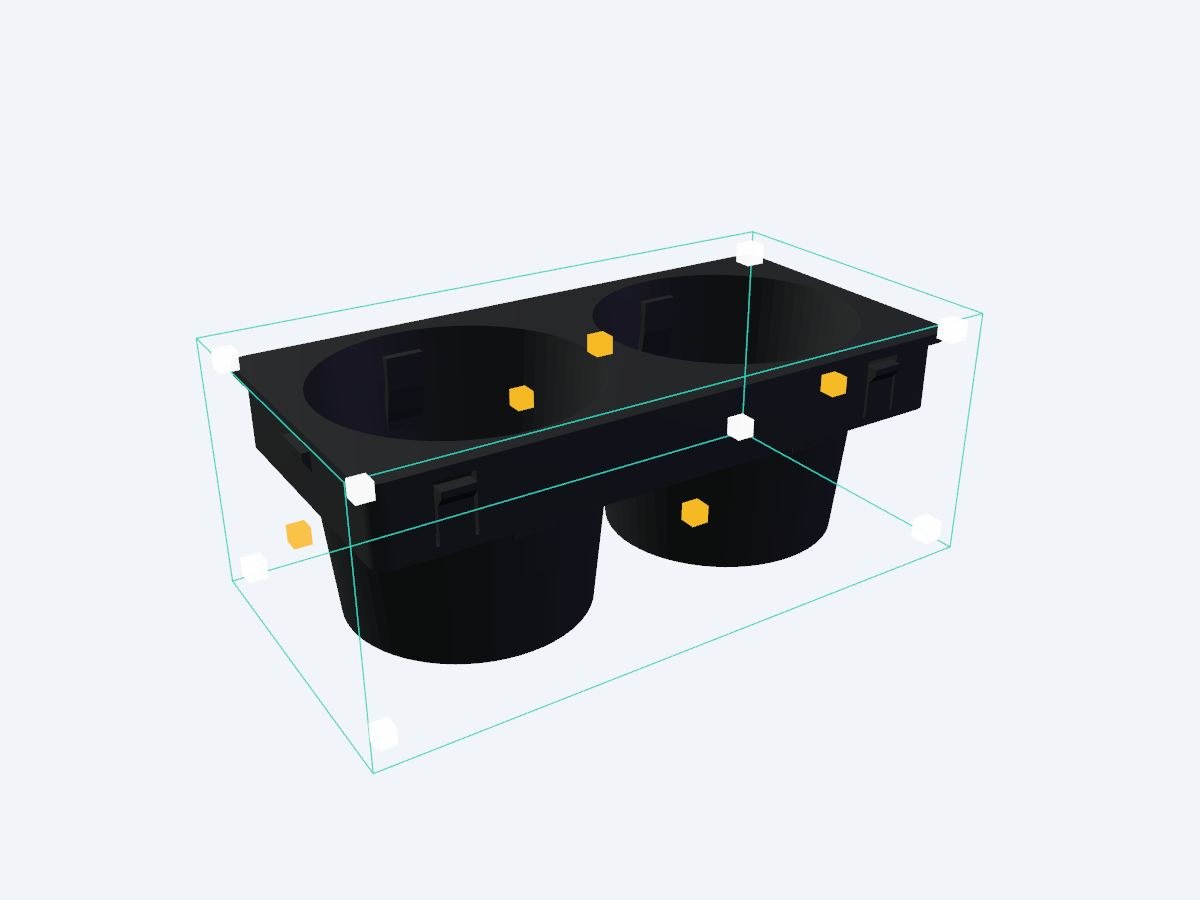
3 modelsFree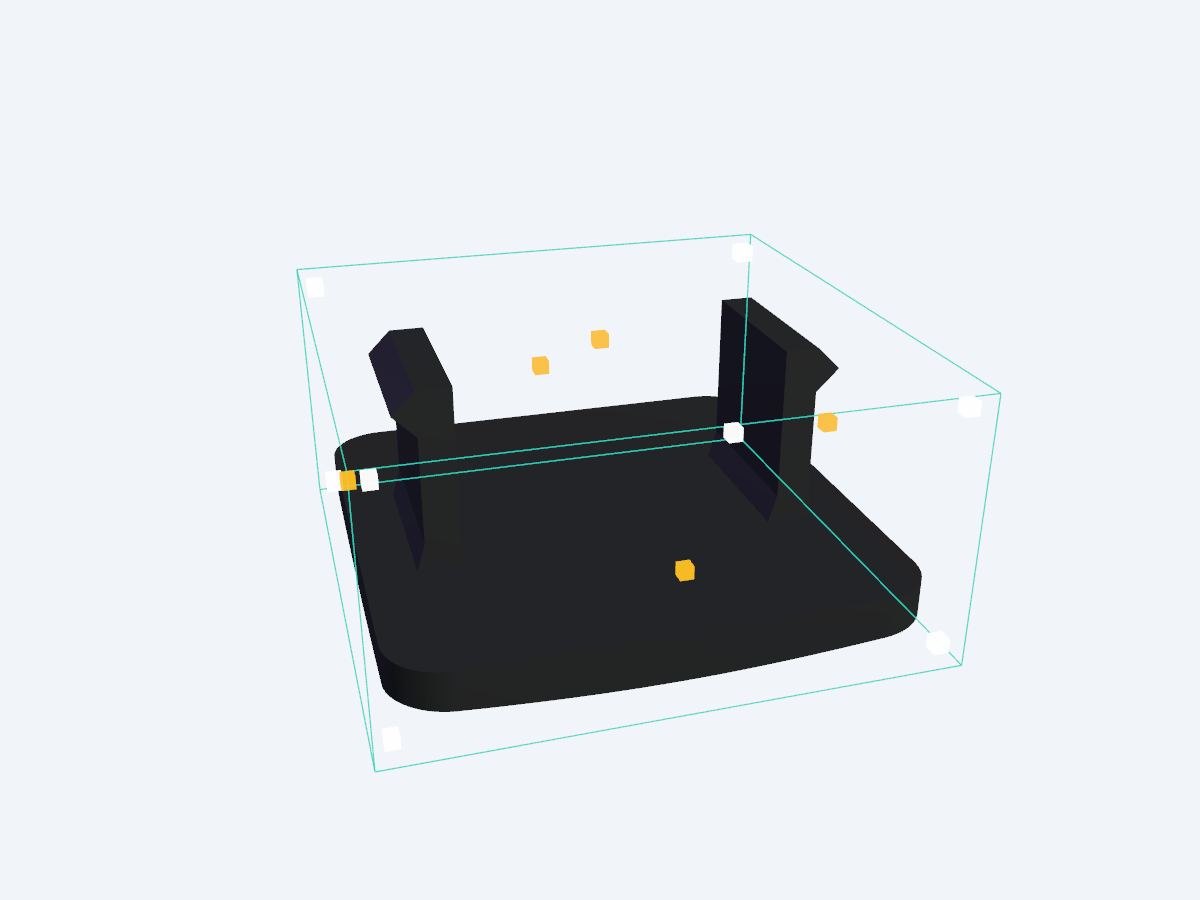 Free
Free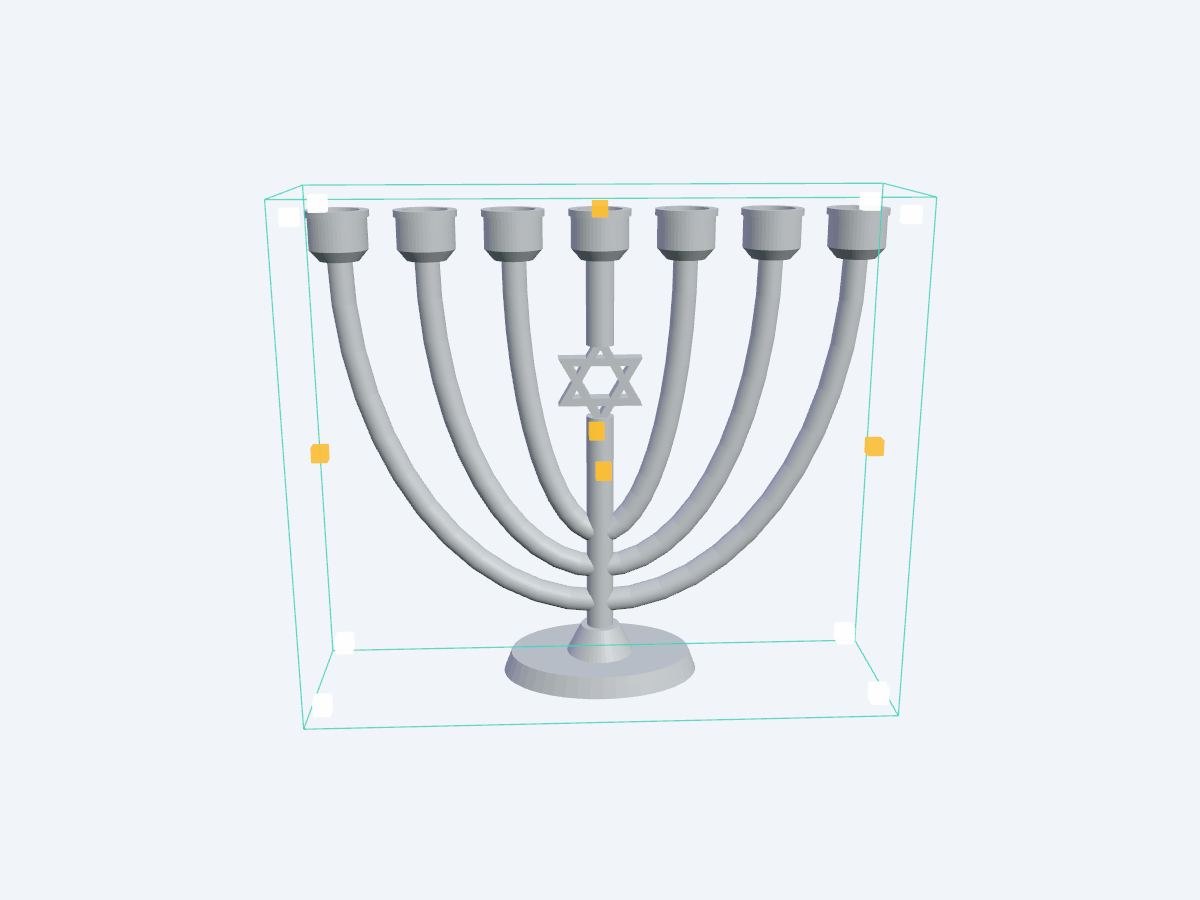 Free
FreeSell or share your creationsUpload your STL or 3MF file, or create a model with AI, then publish it here, free or paid in credits, with the license of your choice. You earn 80% of every sale.
Publish a model Open the Studio IAFrequently asked questions
How do I print practical items well in 3D?
Each model lists its dimensions and colors. Print most objects in PLA, use resin for the fine details of figurines, and adjust the size in your slicer or directly in the Studio IA before downloading. You can also have them printed by our workshop.
How do I download a 3D model?
Open the model page, then “Download”. Free models download directly, no sign-up needed. For a paid model, a credit payment window opens first; you can then download the file as often as you like from your account.
Which format should I choose: STL or 3MF?
3MF keeps colors and separate parts: it opens in Bambu Studio, PrusaSlicer or OrcaSlicer for multicolor printing. STL only contains the shape and works with every slicer.
Can I sell the printed objects?
It depends on the license shown on each model: “Commercial use of prints” and Creative Commons licenses without an NC clause allow it; “Personal use” and CC BY-NC don’t. The file itself can never be resold if it is paid.
How do I publish and sell my own models?
Two ways: create a model in the Studio IA (from text or a photo), then “Share · sell”, or upload your own STL or 3MF file with “Publish”. Choose free or a price in credits, and a license: you receive 80% of every sale.