Ideas of figurines
- A figurine of a loved one for a birthday or a retirement
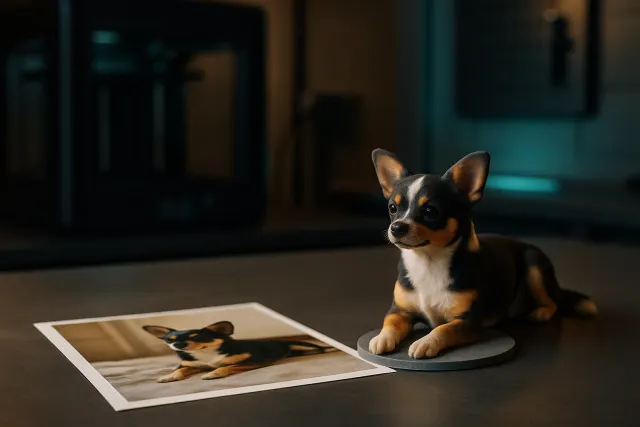
- Your pet, sitting or moving
- The mascot of a brand, club or association
- A role-playing or board game character
- A team gift in the image of a collaborator
- A piece of decoration from a child's drawing
For a logo or a flat design to reproduce faithfully, the Studio’s relief mode is better than a figurine: it transforms the image into a relief plate instead of interpreting it into volume.
The photos that give the best figurines
The AI works from what it sees. For a successful figurine:
- the whole subject and well centered, on a simple background;
- a soft light, without backlight;
- if possible multiple views: face, profile, three-quarters (up to six views);
- legible posture: arms and legs visible rather than crossed;
- sharp photos (up to 40 MB per image, automatically reduced).
The guide from the photo to the 3D figure explains in detail what the AI can reproduce, how it manages colours and why some photos give better results.
What to expect: a sculpted rendering
The figurine generated is a sculpture: proportions and strokes are interpreted, as a sculptor would do from a portrait. Large volumes (silhouette, hairstyle, clothing, dominant colours) are taken up; very fine details, such as a text on a t-shirt or reflections of a look, are simplified.
Before ordering, you rotate the figure in the 3D viewer and you can ask for a touch up to the AI. For colour printing, the AI cuts the model into colour zones, without changing its shape, and the 3MF file keeps one colour per filament.
Colour and finish printing
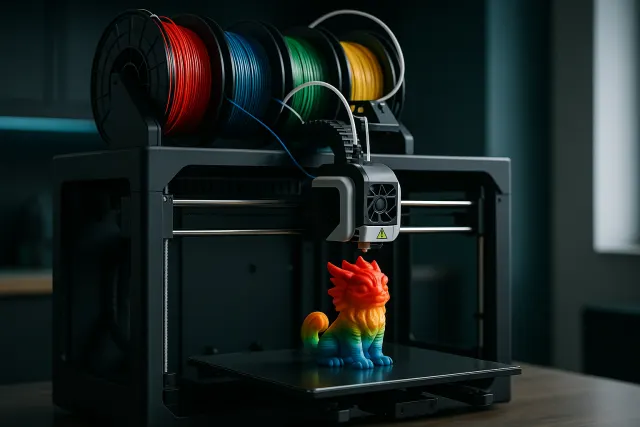
You can download the model in STL or 3MF to print it yourself, or choose "Make Print": the workshop prints up to 8 colours on the same part, among more than 50 available colours. The material, size, finish and time are settled before payment, with a price including tax calculated automatically.
| Choice | What it changes |
|---|---|
| Size | The larger the figure, the more details come out and the more printing time increases |
| Colors | Multicolor printing up to 8 colours from a 3MF |
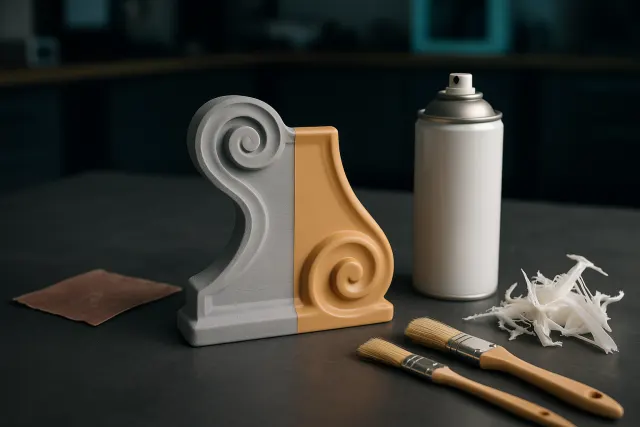
| Finish | Removing brackets, sanding or painting: see the finishing guide |
| Lead time | Shipping within 48 to 72 hours for most orders, priority option in 24 hours |
Finishing techniques (sanding, primer, painting) are detailed in the guide finitions and post-processing, and multi-colour printing in multi-colour 3D printing.
The steps, from the photo to the object
- Create an account in the Studio: 50 credits are offered after confirmation of your email.
- Open the Figurine tab and import one to six photos of the subject.
- Launch the generation: the figure appears in the 3D viewer, to be rotated from all angles.
- Retouch if necessary: proportions, posture, base, colours.
- Download or have printed: STL or 3MF for your printer, or order in workshop with the price TTC displayed before payment.
Each generation consumes credits according to its real complexity, visible in your history; credits are never debited if the call fails, and they do not expire.
Photos of people: to check before ordering
For a protected character (license, trademark), a figurine intended for personal use does not have the same status as a sold figurine: if in doubt, ask the authorization of the right holder.
Frequently asked questions
Is the figurine similar?
It is a sculpted and stylized version of the subject: silhouette, hairstyle, clothes and dominant colours are taken, the very small details are simplified. It is not a photorealistic scan.
How many photos to provide?
One photo is enough to get started; up to six views (face, profile, three-quarters) improve volume fidelity.
Can the figurine be printed in colour?
Yes. The workshop prints up to 8 colours on a room from a 3MF file in colour.
Can I print the figurine myself?
Yes. Download the model in STL (shape only) or 3MF (shape and colours) and open it in your slicer.
What's the deadline?
Most orders are shipped within 48 to 72 hours; priority production within 24 hours is offered.