Two Ways to Get a 3D Model
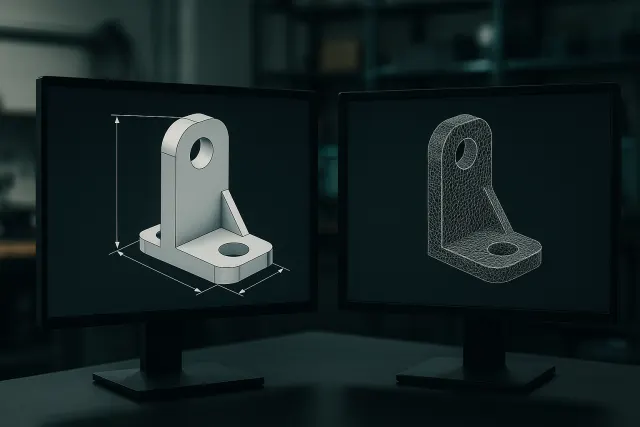
With a CAD software package (computer-aided design), you build the operation part by operation: rated sketch, extrusion, drilling, discharge. You master each dimension, but you have to know the tool and devote time to it.
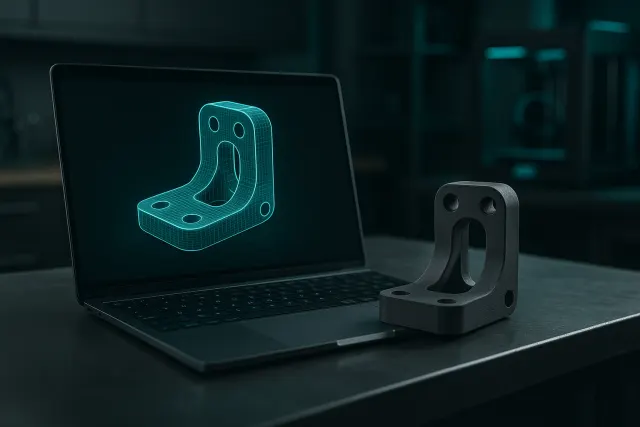
With a 3D generator per AI, you describe what you want (“a wall mount for a 180 120 mm router”) or you provide photos, and the tool offers a model. Depending on the generator, this model is either a fixed mesh, or, as in the AI 3D Studio, a parametric model whose dimensions you then adjust.
Comparative point by point
| Criterion | 3D AI Generator | CAD Software |
|---|---|---|
| Required skills | Know how to describe the room | Mastery of software |
| Time for a first version | A few minutes | From a few minutes to several hours depending on the room |
| Accuracy of ratings | Good if the model is parametric, approximate for a mesh from a photo | Exact |
| Organic forms (figurins) | Strong point | Laborers |
| Complex assemblies, tight tolerances | Limited | Strong point |
| Planning, listing for production | No | Yes |
| Output formats | STL, 3MF (and source .scad for a parametric model) | Native formats, STEP, STL, 3MF |
When to choose an AI 3D generator
- You do not have CAD skills and the part is simple: support, case, cover, spacer, clip.
- You want to explore several ideas quickly before you invest design time.
- You start from a photo: decorative object, figurine, mascot, relief of a logo.
- You need an object in kit, cut into pieces to assemble.
To get the most out of a generator, the quality of the description counts as much as the tool: the guide write a brief to generate a 3D piece by AI shows how to formulate function, dimensions and fasteners.
When to Stay on CAD Software
- The part fits into an existing assembly with tight tolerances.
- You must produce a listed layout for a supplier or a quality control.
- The part will be manufactured by machining or injection, and not just printed.
- The model must evolve for years within a design office, with a history of versions.
Three concrete cases
A wall mount for a device. The dimensions of the device are known, the shape is simple: a description with the dimensions is enough. The generated parametric model adjusts in a few sliders if the device changes. Going through the CAD would not bring anything more for this room.
A mascot figurine. The shape is organic and sculpted: building it in CAD would be long and unnatural. A generator from photos or a drawing gives a result in a few minutes, to be retouched and then printed in colour.
A machine housing to be integrated into an assembly. The part must respect precise spacings, clearances and support surfaces, and it may be injected later: CAD is required. The AI can be used to quickly produce a first volume to discuss the bulk, but the reference version will be drawn by the design office.
Combine the two
The two approaches are not exclusive. A parametric model generated by AI can serve as a starting point: you adjust it by its dimensions, you print it to check the bulk, then you take it back in CAD if the part goes into production. Conversely, an engineer can entrust to the AI the ancillary parts (gabarits, supports, caches) and keep the CAD for critical parts.
To understand what changes the format of the model, read Parametric model or mesh. To go from model to part, the page online 3D printing details the order in the workshop.
Frequently asked questions
Does an AI 3D generator replace CAD software?
No for production parts with tight tolerances and planing. Yes for many simple parts, decorative objects and early versions, made without modeling skills.
Can I change the ratings of an AI-generated model?
If the model is parametric, yes: each dimension is adjusted and the part is recalculated. If it is a mesh from a photo, it can be scaled but not precisely change a dimension.
Can I use an AI model in CAD software?
You can import the STL as a reference and redraw the part, or use the .scad source file of a parametric model in OpenSCAD.
What tool for a spare part?
If the part is simple and you know its dimensions, a description is enough. If it is complex or broken, the 3D scan followed by a recovery in CAD gives the most faithful result.