How AI sculpts a figurine from a photo
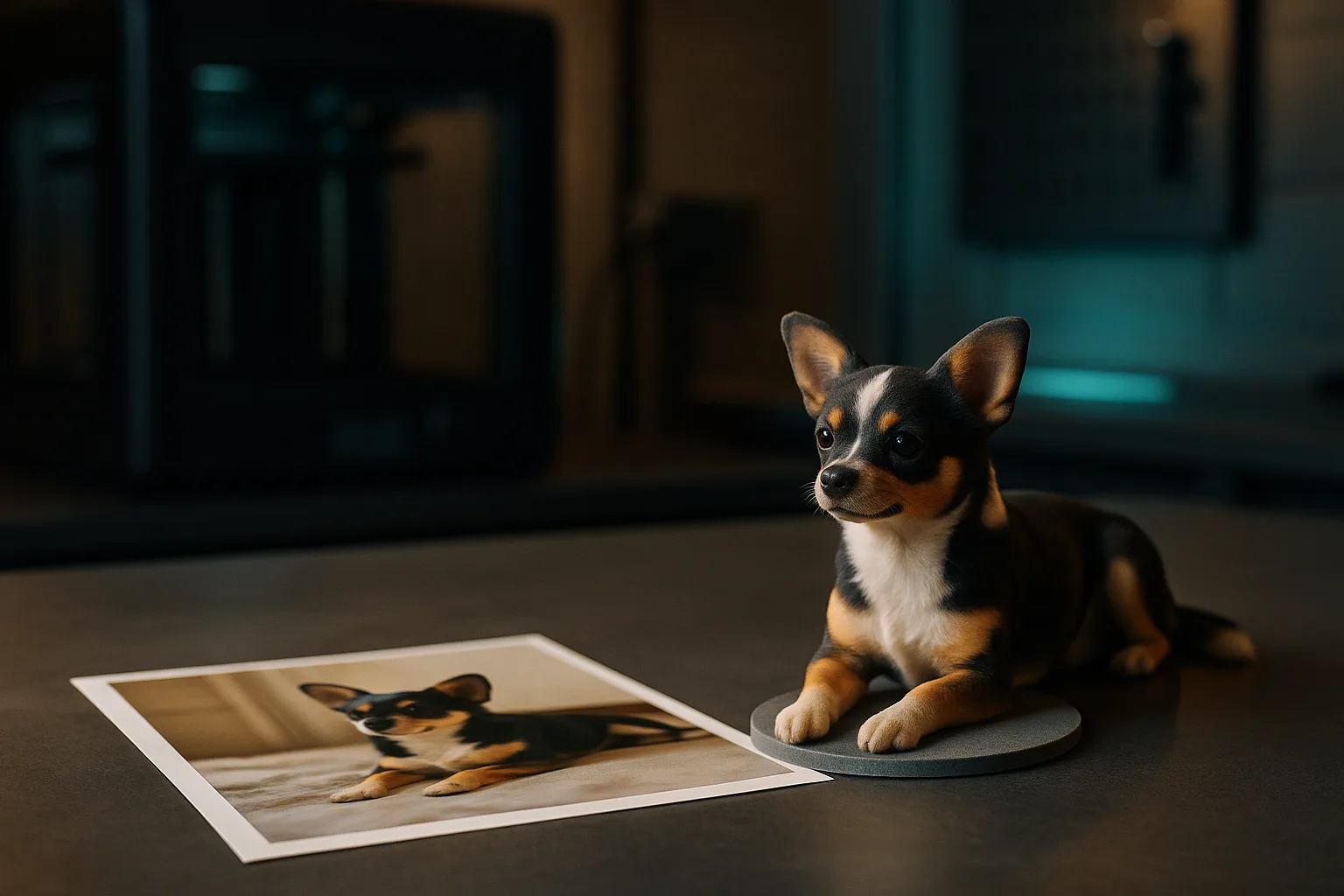
A photo is a flat image: it doesn't contain depth information. To create a volume, the AI draws on what it has learned from thousands of shapes (bodies, faces, animals, objects) and infers the invisible parts. The back of a cat photographed from the front, for example, isn't measured: it is reconstructed in a plausible way.
This is why it should be called sculpting rather than scanning. The result is a mesh, that is, a surface made of triangles, just as a digital sculptor would produce. This logic is very different from that of a technical part defined by dimensions; the distinction is detailed in parametric model or mesh.
Turning a photo into a 3D figurine generally involves three steps: generating the shape, applying colours to the surface, then preparing it for printing (base, minimum thicknesses, possible splitting into several parts).
Which photos to provide
The quality of the figurine depends directly on the starting images. A good photo isn't necessarily a beautiful photo: it's a readable photo.
- The whole subject: paws, feet, tail and ears visible. Any part cut off by the frame will be invented.
- A three-quarter front view: this is the angle that gives the most information about the volume in a single image.
- A plain background that contrasts with the subject: the AI distinguishes outlines better.
- Good lighting, diffuse, without harsh shadows or backlighting. Strong shadows can be interpreted as shapes or colours.
- Several angles: front, profile, back if possible. Each additional view reduces the amount of guesswork.
- A simple pose: limbs detached from the body, no object held in front of the subject.
- A decent resolution and a sharp image, without a filter or an overly pronounced portrait effect.
For an animal, photograph it standing or sitting, at its eye level rather than from above. A photo taken from above flattens the proportions, and the figurine will end up with a head that's too big and legs that are too short.
What AI reproduces well, and less well
| Element | Usual result | Why |
|---|---|---|
| Silhouette, general posture | Good | Information clearly visible in the photo |
| Large colour areas, contrasting fur | Good | Easy to project onto the surface |
| Simple clothing, bulky accessories | Fair | Readable shapes, simplified details |
| Likeness of a human face | Variable | Small differences in proportions change the expression |
| Fingers, hands, fine elements | Fair | Often merged or simplified |
| Text, logos, fine patterns | Poor | Too small for the geometry and for printing |
| Hidden faces (back, underside) | Invented | Absent from the images provided |
You should therefore expect a stylised result, close to a collectible figurine, not a photographic replica. If you need a copy accurate to a tenth of a millimetre of a real object (a sculpture, an art piece, a bust), a 3D scan is what you should consider: an industrial scanner measures the surface instead of guessing it.
Colours and base
Preparing colours for printing
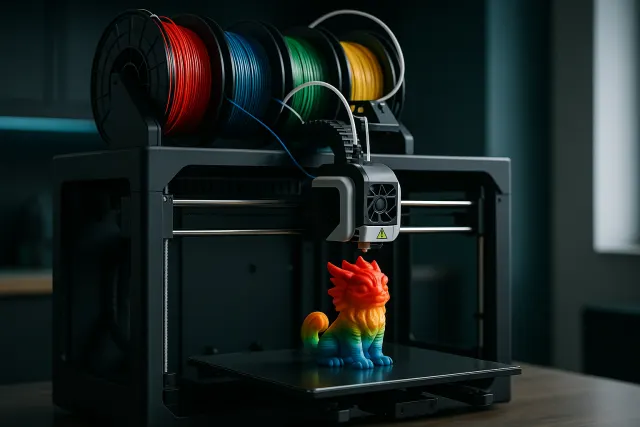
An AI-generated figurine carries colours on its surface. For multicolour filament-deposition printing, these colours must be reduced to a limited number of shades, matching the filaments loaded into the machine. A printer like the Bambu Lab H2D can handle up to eight colours on a single part. In practice:
- Gradients are replaced with flat colours: a striped coat becomes two or three distinct colours.
- Small isolated spots may disappear or be enlarged.
- The eyes, nose and outlines deserve a manual check.
The constraints specific to this process (purging between colours, cost, detail limits) are described in multicolour 3D printing.
The base
A base isn't just a decorative element. It provides a flat surface for adhesion to the build plate, ensures the figurine's stability when displayed, and protects fragile contact points (thin legs, ankles). It can also carry a name or a date, provided the letters are large enough to print.
Preparing the figurine for printing
A model that displays correctly on screen isn't necessarily printable as-is. Before starting the print, a few checks avoid unpleasant surprises:
- Minimum thicknesses: an ear, a tail, a whisker or a sword that is too thin will break when the supports are removed. In filament, aim for at least 1.5 to 2 mm for protruding elements; in resin, around 1 mm is reasonable.
- Overhanging elements: an outstretched arm, a prominent chin or a raised tail will require supports. They will leave marks, which are best placed on less visible faces.
- A watertight mesh: the surface must be sealed, with no holes or inverted faces, otherwise the slicing software can produce missing layers.
- Scale: a generated model has no intrinsic real-world size. Set the desired height before exporting, then check that the details remain printable at that size.
- Possible splitting: a large figurine can be printed in several parts (body, base, accessory), then assembled. Each part is then oriented optimally.
The export format matters too: STL carries only the shape, whereas 3MF retains the colours assigned to each area. For multicolour printing, colour 3MF is therefore what you need to use. Practical details are in our guide to preparing an STL or 3MF file.
Finally, keep the intended use in mind: a figurine meant for a child or to be handled often should favour compact shapes and an impact-resistant material, even if it means sacrificing some fine details. The guide to 3D printing materials helps you weigh fine detail against sturdiness.
The figurine mode of the AI 3D Studio
Timelapse-3D's AI 3D Studio offers a "figurine" mode that sculpts characters and animals from one or more photos, or from a simple written description. The model is generated in colour, placed on a base, and a free 3D preview lets you examine it in the browser.
A painting tool lets you correct colours zone by zone (eyes, collar, coat pattern), and an AI-assisted painting option offers automatic recolouring. Export is in STL or colour 3MF for multi-filament printers, and the figurine can also be ordered directly, with an instant price and a choice of material. The system runs on credits, 50 of which are offered on sign-up.
Let's be clear about what you will get: the tool's strength remains technical and geometric parts, described in our article on 3D modelling by AI. A figurine is a sculpted interpretation, often very successful on an animal or a stylised character, but never the equivalent of a photographic scan.
Resin or filament for a figurine?
The choice of printing technology depends on the size, the level of detail and the desired finish.
| Critère | Resin (SLA) | Filament (FDM) multicolour |
|---|---|---|
| Detail fineness | Very high, almost invisible layers | Good, layers visible up close |
| Colour | Monochrome, to be hand-painted | Colours printed directly |
| Small sizes (under 8 cm) | Ideal | Details quickly simplified |
| Large sizes | Possible but more costly | Well suited |
| Sturdiness | More brittle depending on the resin | More impact resistant |
| Post-processing | Washing, curing, support removal | Support removal, light sanding |
In short: resin for a highly detailed miniature meant to be painted, multicolour filament for a ready-to-display figurine, in colour and sturdier. The principles of each process are presented in 3D printing technologies, and the sanding, priming and painting steps in finishing and post-processing.
For a filament figurine, plan for a height of at least 8 to 10 cm: below that, facial details and small colour areas get lost. In resin, a 5 cm figurine can already show fine details.
Frequently asked questions
Can any photo be turned into a 3D figurine?
Almost, but the result depends heavily on the photo. A whole subject, well lit, on a plain background and seen from three-quarters gives the best results. A blurry, cropped or backlit photo forces the AI to invent more.
Will the figurine look as lifelike as a photo?
No, it is a sculpted, stylised interpretation, not an exact copy. The silhouette, posture and main colours are generally rendered well; fine details and hidden faces are simplified or inferred. For a faithful replica of a real object, a 3D scan is needed.
How many photos are needed to create a 3D figurine?
A single three-quarter front photo can be enough for a first result. Adding a profile view and a back view reduces the amount of guesswork and improves the consistency of the volume. All photos must show the same subject in the same pose.
Is it better to print a figurine in resin or in filament?
Resin offers superior detail fineness, ideal for small figurines meant to be painted. Multicolour filament allows printing directly in colour and gives a sturdier part, especially for medium and large sizes. The choice therefore depends on the size and the expected finish.