Why the brief matters as much as the tool
A modelling AI sees neither your workshop nor the object the part will be mounted on. All it knows is what you write. Faced with a vague request, it fills the gaps with "plausible" values: a standard thickness, average-diameter holes, an arbitrary size. The result looks like what you wanted, but doesn't fit.
A good brief isn't a long text. It's a text that's complete on what matters: the function, the dimensions that govern the assembly, and the constraints of use. The rest (fillets, general look) can be refined afterwards. If you're new to the concept, start with our introduction to 3D modelling by AI.
The six-point method
An effective brief for generating a 3D part with AI answers, in this order, six questions:
- What? The type of object in one word: mount, enclosure, clip, spacer, jig, adapter.
- What is it for? The function in one sentence: "hold a router under a desk", "guide a drill bit at 90°".
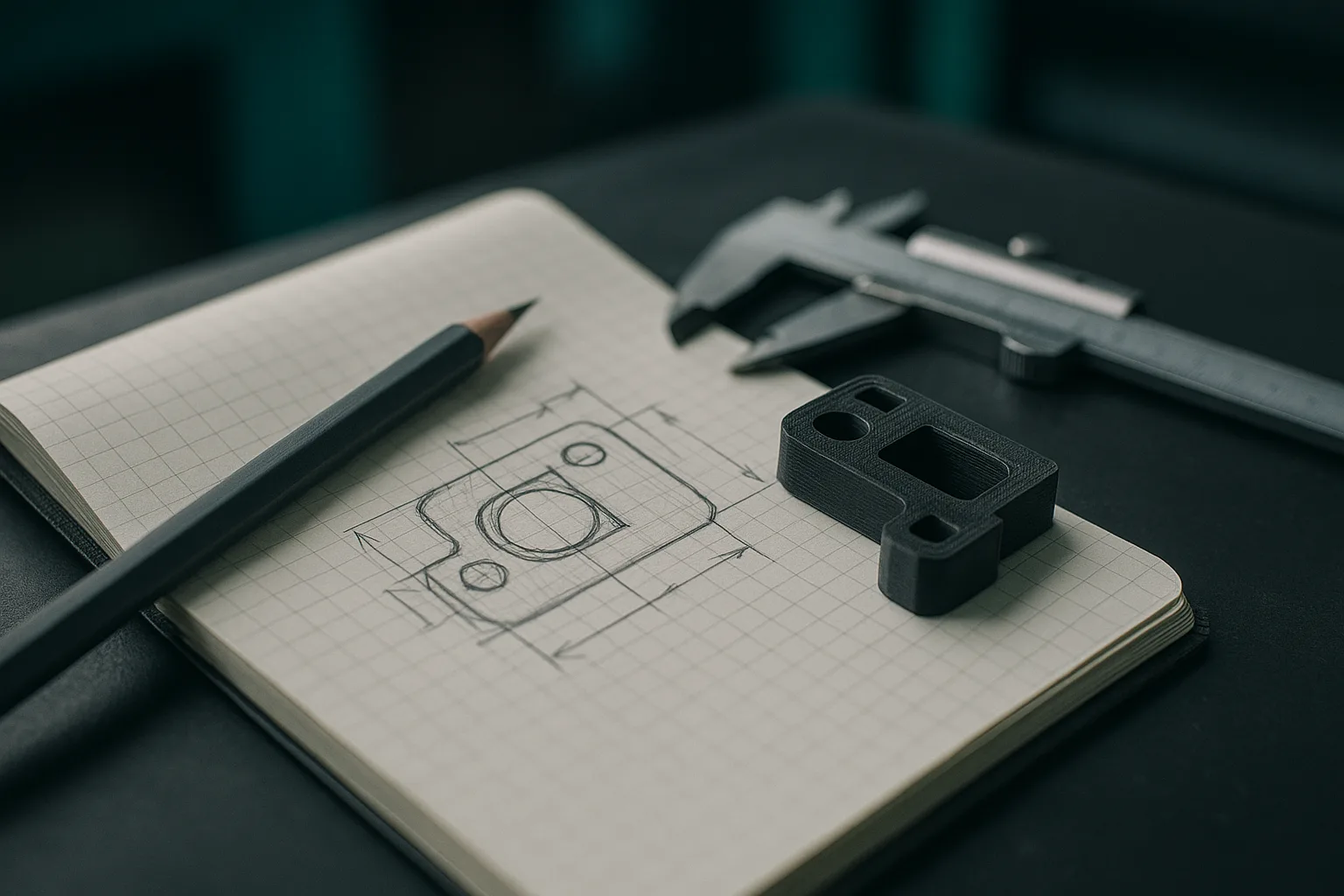
- What dimensions? The outer dimensions and, above all, the interface dimensions: hole spacing, diameter of a tube to be clamped, inner dimensions of a housing. Always in millimetres.
- How is it fastened? Screws (diameter and head type), snap-fit, gluing, magnets, press-fit.
- In what environment? Indoor, outdoor, heat, humidity, load, vibration.
- What shape details? Chamfers, fillets, reinforcing ribs, openings, engraved text.
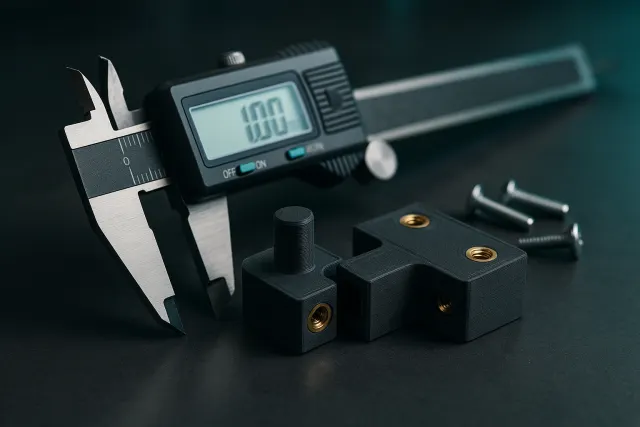
Points 3 and 4 are the ones that cause the most parts to fail. Measure with calipers rather than a ruler, and note the actual value: it is up to the tool or to you to add the necessary clearance, following the rules described in tolerances and clearances in 3D printing.
Four before / after examples
Example 1: a mounting bracket
Before: "A sturdy bracket to mount a shelf."
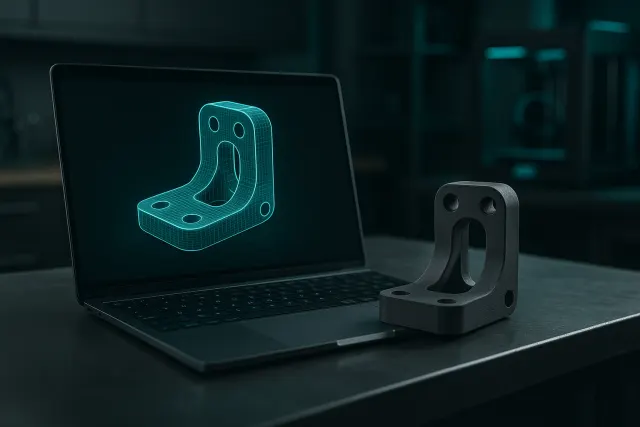
After: "L-shaped bracket to support a 20 mm thick shelf. Two 60 × 40 mm arms, 5 mm thick. On each arm, two holes for 4 mm countersunk wood screws, 30 mm spacing, centred. 4 mm triangular reinforcing rib in the inner corner. Indoor use, moderate load."
The first version leaves the AI to choose the size, thickness and number of holes. The second gives a directly mountable part, with reinforcement exactly where the bracket is under load.
Example 2: an electronic enclosure
Before: "An enclosure for my circuit board."
After: "Two-part enclosure (base and lid) for an 85 × 56 mm board. Inner dimensions 90 × 60 × 30 mm, 2 mm walls. Four 6 mm diameter mounting posts, 5 mm tall, drilled for M2.5 screws, 58 × 49 mm spacing. 12 × 6 mm rectangular cutout on the short side, 3 mm from the base, for a USB connector. Ventilation grille on the lid. Lid fastened with four M3 screws at the corners."
Here, the essential point is to distinguish inner from outer dimensions, and to give the hole spacing of the board. Ask for an export with one file per part: the base and the lid are printed separately, each in the best orientation.
Example 3: a cable clip
Before: "A clip to hold cables."
After: "Screw-on cable clip to mount under a desktop. Housing for three 6 mm diameter cables side by side, 4.5 mm flexible opening to snap the cables in by pressing. 40 × 15 mm base, 3 mm thick, one central hole for a 3.5 mm screw. Designed for printing in PETG."
Specifying the material changes the geometry: a flexible clip in PLA, which is rigid and brittle, needs to be thinner or more open than in PETG. The guide to 3D printing materials helps you choose.
Example 4: a hose adapter
Before: "A fitting for my shop vacuum."
After: "Hollow cylindrical adapter between a vacuum hose with an outer diameter of 35 mm and a sander nozzle with an outer diameter of 28 mm. Hose side: 35.5 mm bore, 30 mm long. Sander side: slightly tapered bore from 28.5 to 27.8 mm over 25 mm. Gradual transition between the two, 2.5 mm wall."
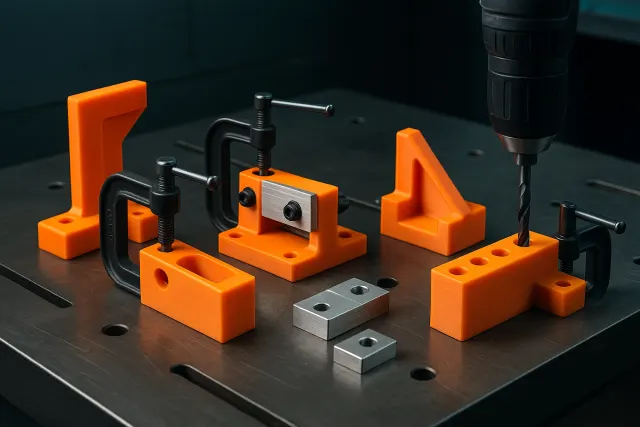
The internal taper ensures a grip without gluing. This is typically the kind of accessory found among workshop jigs and tooling.
Common mistakes
| Mistake | Consequence | Fix |
|---|---|---|
| No dimensions | Part at an arbitrary scale | Give at least the outer and interface dimensions |
| Inner and outer mixed up | The contents don't fit | Explicitly write "inner dimensions" |
| Units missing or mixed | Part ten times too big or too small | Express everything in millimetres |
| Screw not specified | Holes too small or heads sticking out | Specify diameter and head type (countersunk, pan head) |
| Too many requirements at once | Confused model, misplaced details | Generate the base, then add details through revisions |
| Use not described | Fragile part or unsuitable material | Mention load, heat, outdoor use |
Work in layers: a first brief for the general shape and main dimensions, then short revisions, one change at a time ("add a 1 mm chamfer on the outer edges"). This way you can easily identify what changed, and roll back without losing the rest.
Supplementing the text with photos
When a part already exists (broken, or to be duplicated), photos help the AI understand the general shape. They don't replace dimensions: a photo doesn't give scale. A few rules:
- Photograph from the front, the side and the top, straight on, to limit perspective distortion.
- Place an object of known size or a ruler next to the part.
- Use a plain background and diffuse lighting.
- Add the three or four critical measured dimensions in the text.
For a part with a complex profile that must fit to a tenth of a millimetre, a 3D scan remains more reliable than any deduction from photos. See also our article on 3D-printed spare parts.
Adjusting after generation
In the AI 3D Studio, the AI produces a parametric model: the key dimensions appear as sliders you can adjust for free, without re-running a generation. If a shape needs to change, a natural-language tweak is enough. A free 3D preview in the browser lets you check the result before exporting to STL or 3MF. The value of a parametric model compared with a mesh is explained in parametric model or mesh.
Before printing, also check the orientation and the supports: our guide to preparing an STL or 3MF file details these settings.
The 3D brief checklist
- The type of object is named in one word.
- The function is described in one sentence.
- All dimensions are in millimetres.
- Interface dimensions (hole spacing, diameters, housings) are measured, not estimated.
- Inner and outer are clearly distinguished.
- The fastening method is specified (screw, diameter, head type).
- The operating environment is indicated (heat, outdoor use, load).
- The intended material is mentioned if it affects the shape.
- The number of parts is specified for an assembly.
- Secondary details are kept for later revisions.
Keep your successful briefs in a text file. For a variant (an enclosure for another board, a bigger bracket), you only need to change a few values: you save time and get parts that are consistent with each other.
Frequently asked questions
How do you describe a part to an AI to get a usable 3D model?
State the type of object, its function, its dimensions in millimetres, its fastening method and its operating environment. Interface dimensions, such as hole spacing or the dimensions of a housing, must be measured. Shape details can be added afterwards through revisions.
Should assembly clearance be added to the dimensions given to the AI?
The safest approach is to give the actual measured dimensions and specify the type of fit desired, sliding or tight. You can also add a few tenths of a millimetre yourself to the bores. A test print lets you validate the clearance before the final part.
Is a photo enough to generate a 3D part with AI?
A photo helps understand the shape, but it doesn't give the scale or the hidden details. Combine several straight-on views with a few measured dimensions. For a complex part that needs precise fitting, a 3D scan is preferable.
What should I do if the generated model doesn't match what I expected?
Start by correcting the dimensions with the available settings, then request short revisions, one change at a time. If the overall logic is wrong, rewrite the brief specifying the function and the interface dimensions rather than stacking corrections.