Colours by area
The tool Paint colours the model without changing its shape:
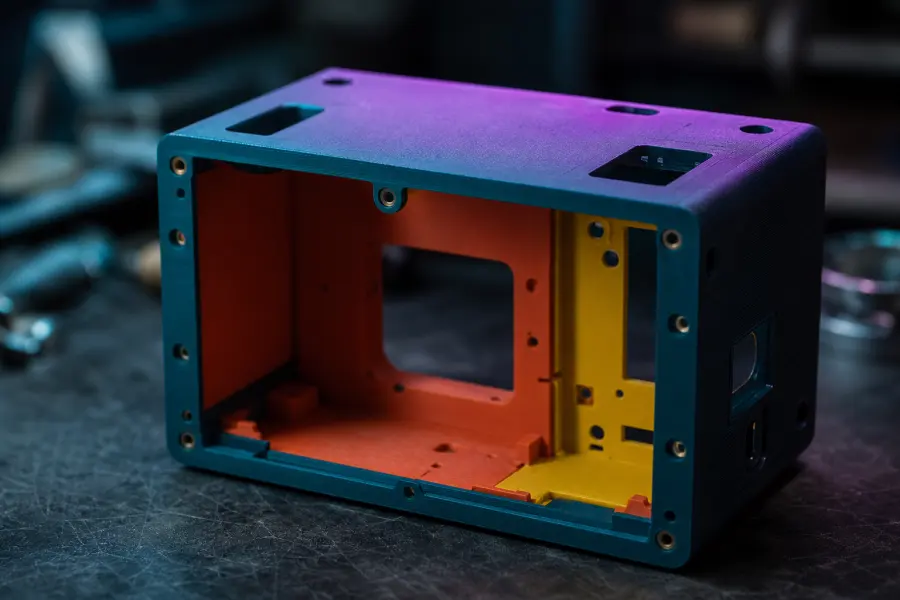
- brush and filling an area of the same colour;
- Smart zones, detected by sharp edges or shape (smooth models, figurines);
- One colour per piece for multi-part models;
- lasso to precisely surround an area;
- colorization by the AI, which cuts the model into zones according to your indications.
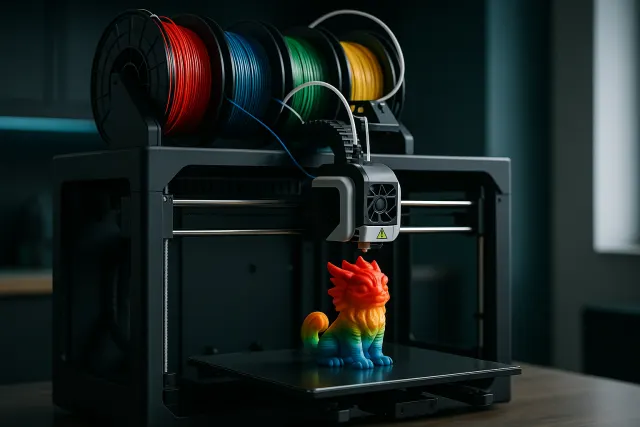
The file 3MF retains these colours, one colour per filament. The multicolor printing is done in PLA or PETG.
Accurate ratings
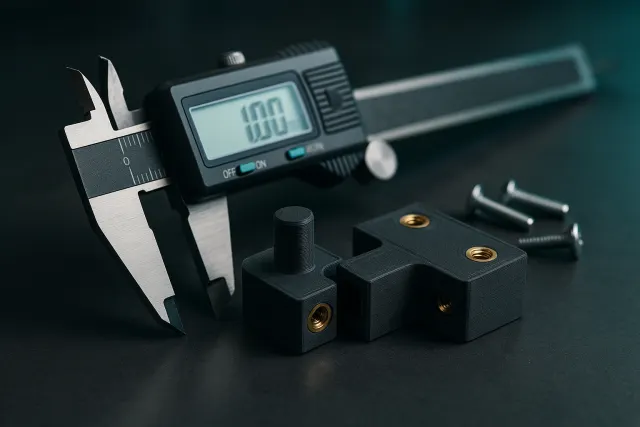
The tool Cotes displays the dimensions of the part and allows to modify them to the millimeter, with or without keeping the proportions. On a parametric model, each dimension (thickness, diameter, center-to-center...) is adjusted separately; one can also stretch a single part of an assembly.
Drilling
The tool Perceer adds holes to the desired place: click on the face, adjust the diameter (sliding the handle or entering the value), and the hole crosses the part in the right direction. Convenient for a screw, an insert or a cable passage; all holes are removed in one click.
Cutting in kit and assembly
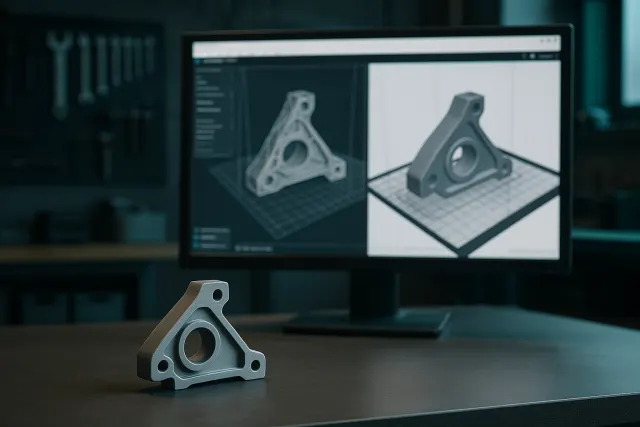
A piece that is too big for the tray, or easier to print into pieces, is cut into a kit: the sabre cuts along a line drawn by hand, the bomb entrusts the AI with the choice of pieces to separate. The attachments between the pieces are modeled for a clean assembly. See the advanced tools of the Studio.
Filling, quality and finishes
When you order, you adjust the filling (light, standard, solid or solid), the quality (layers of 0.2 mm or fine details at 0.12 mm) and the finish: print output, clean finish or paint in the workshop. The details of the materials are on the page materials and finishes.
Frequently asked questions
Are the colours preserved for export?
Yes in the 3MF file, which keeps one colour per zone. The STL contains only the shape.
Can I cancel a change?
Yes: every action in the Studio is cancelled (Ctrl+Z) and the “Origin” button removes all changes.
Does the drill change the exported file?
Yes: the holes are part of the exported model and the printed part.