AI tweak
Describe the desired change (rounding the edges, adding a base, correcting a proportion): the AI retouches the entire room while keeping its dimensions. Lasso, you surround a specific area to change only it. The previous version remains available.
Sabre, cut into kit and bomb
- Sabre: draw a line, the model is cut where it passes, with fasteners to reassemble it.
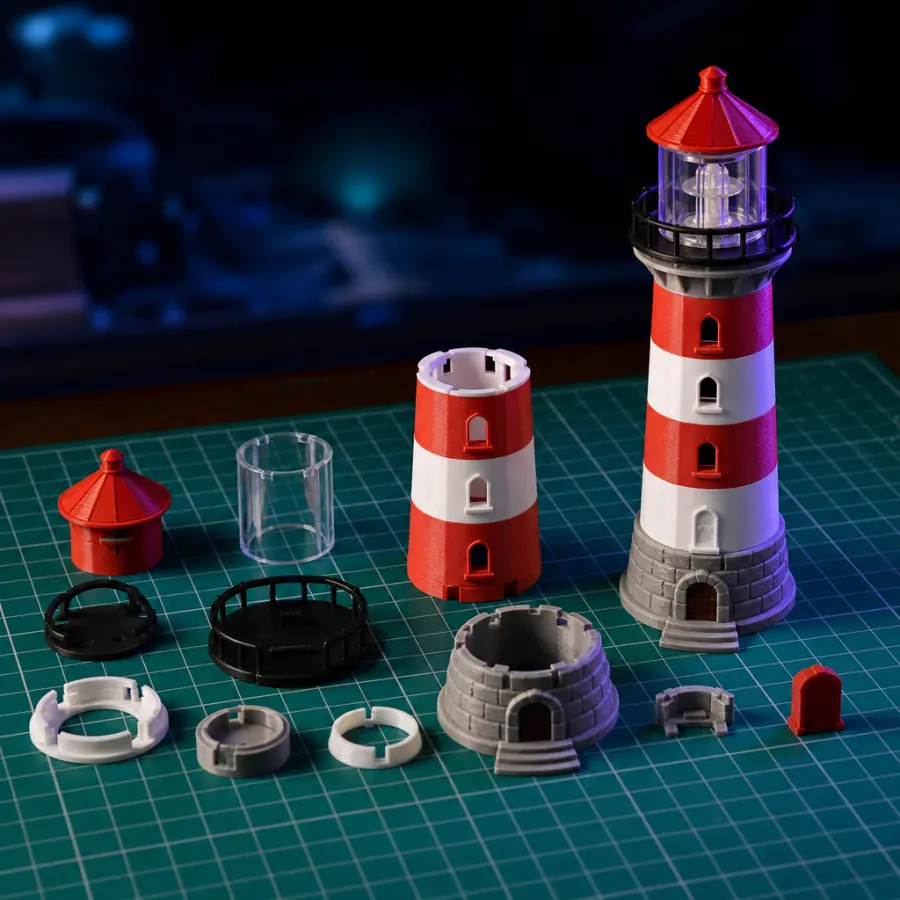
- Cut into a kit: the piece is divided to fit on the printing tray, each piece laid flat.
- Bombe: Slide it over the room and the AI chooses the elements to separate to make a model to assemble.
Drill
Click on a face to add a hole, adjust its diameter by sliding the handle or by entering the value. The holes withdraw one by one or all together.
Paint
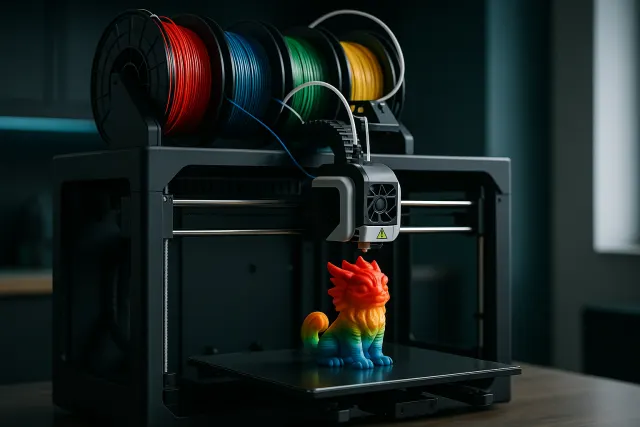
Brush, fill, smart areas detected according to the edges or the shape, one colour per piece, lasso, eraser: the colour is posed without changing the shape, and the 3MF keeps one colour per filament. The AI can also colour the model according to your indications.
Ratings and history
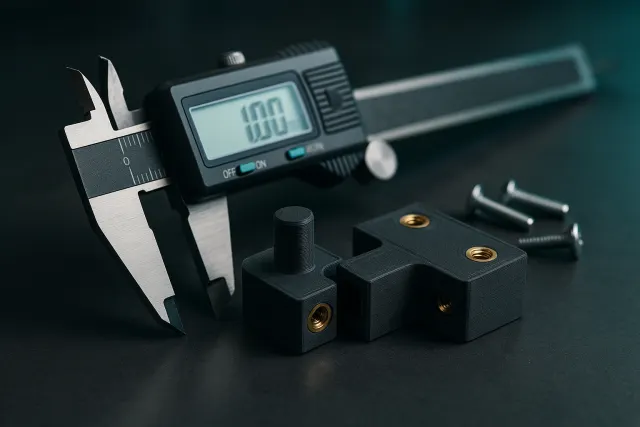
The Dimensions tool adjusts the dimensions to the millimeter, keeping or not the proportions, and can stretch a single piece of an assembly. The history frieze shows each step; “Origin” removes all changes at once.
Edit an existing STL
Import an STL file you already have: it opens in the workshop with the same tools (touch, cut, drill, colours).
Frequently asked questions
Are the tools paid for?
Manual tools (ratings, cutting, drilling, painting) are included; retouching and colorization by AI consumes credits.
Do I need to install software?
No, everything works in the browser, on the computer as well as on the phone.
Can these tools be used in virtual reality?
Yes: the VR Studio offers the sword, lasso 3D, paint bomb and drill in a compatible headset.