The starting point: text or photos
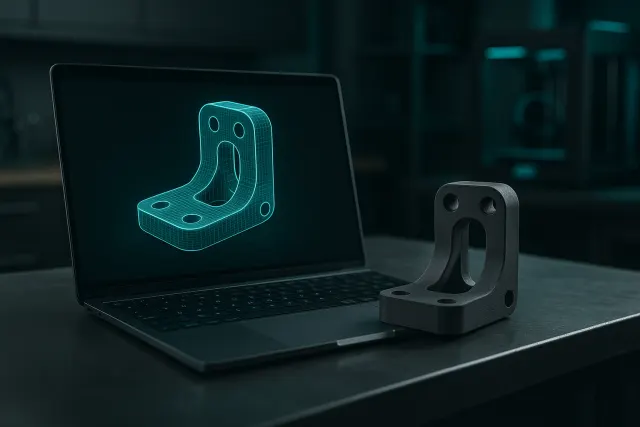
- Text: Describe the room and its dimensions; AI makes it a model with adjustable dimensions (text in 3D).
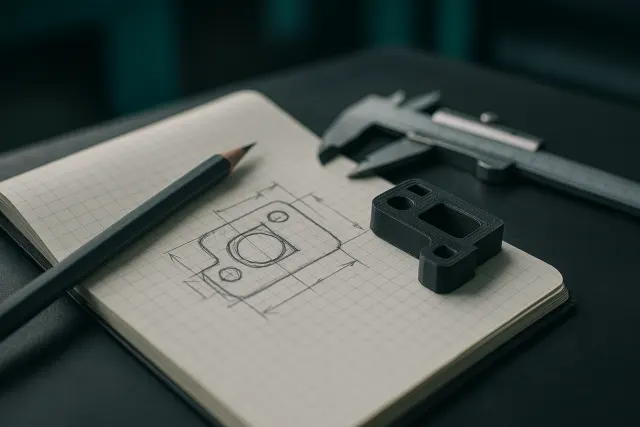
- Reference photos: import one to six views of the same object; the more varied they are, the more faithful the shape (photo in 3D).
Styles of creation
| Style | What to do |
|---|---|
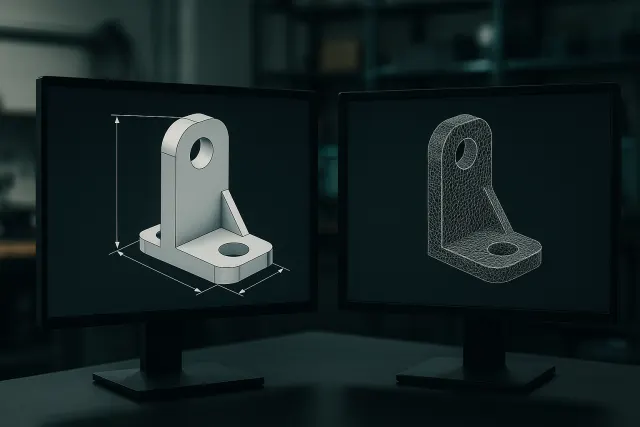
| Part | Useful objects and technical parts, with modifiable dimensions |
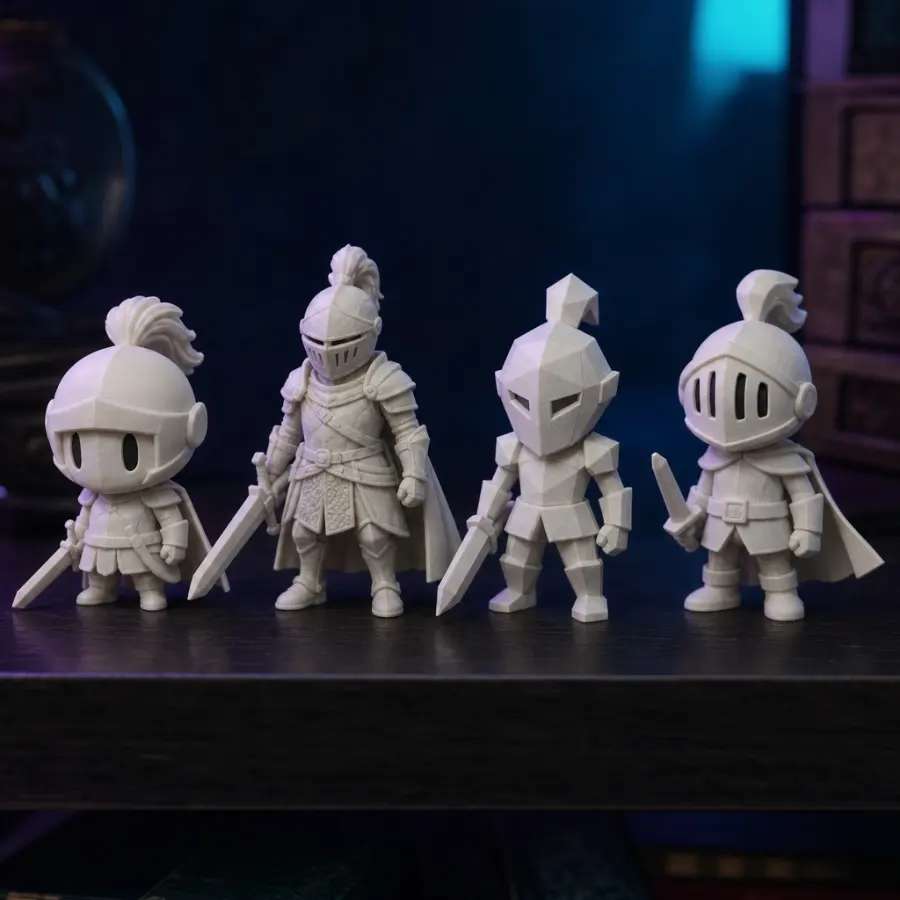
| Figurine | Characters, animals, stylized busts, colorizable by AI |
| Assembly | Objects in several pieces to be interlocked, interlocking already modelled |
| Relief | Logo, drawing or photo transformed into embossed plaque |
Starting from an existing model
No need to generate everything: the Library offers six free parametric models (fixation bracket, electronic housing, gear, spacer, cable clip, inclined support) that each size adjusts. You can also import a STL for retouching, colouring or cutting, or from a model of the marketplace when its license allows.
Describe what you want
Indicate the use, the important dimensions and what should fit or screw. For a figurine, specify the desired pose and size. The guide Write a brief for AI Give examples of effective descriptions.
Frequently asked questions
Can I change my style after the generation?
We relaunch a generation in the desired style; the AI retouching then makes it possible to adjust the model obtained.
How many reference photos?
From one to six views of the same object.
Are parametric models paid for?
No, the six models of the Bookshop are free and their odds are regulated freely.