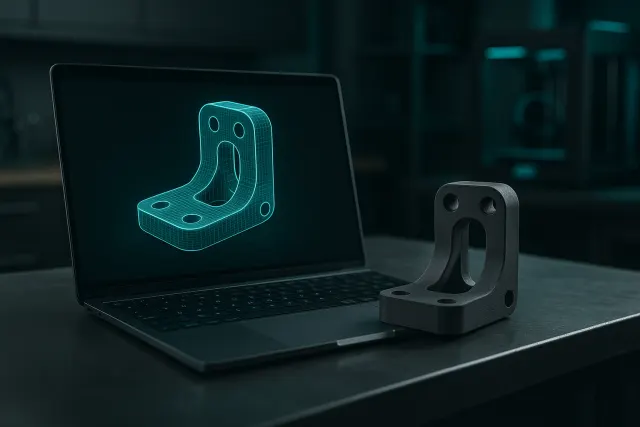
Your model on a real scale
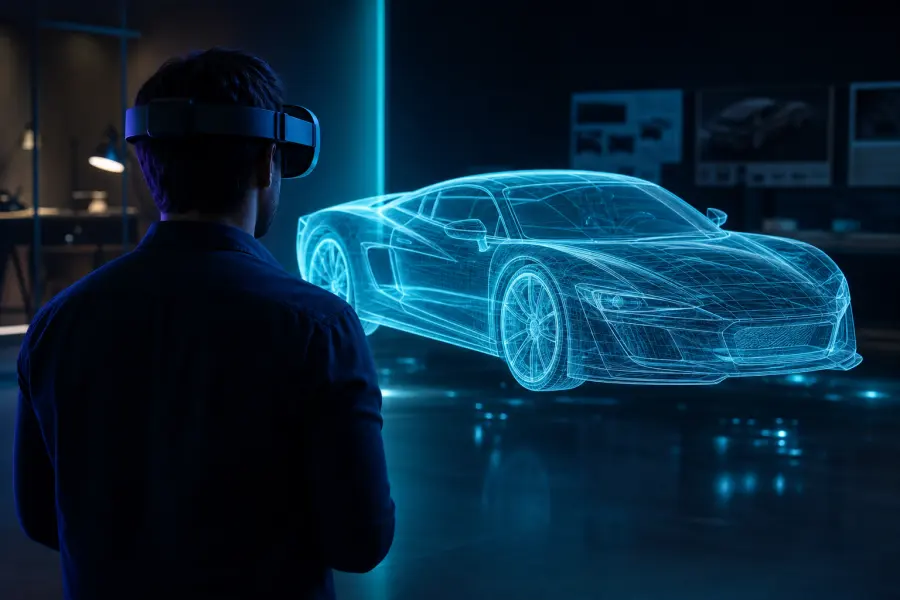
In the headset, the open model in the Studio appears on the workbench. You see it from all angles, at its actual size, to judge a proportion or a bulk before printing. The menu is on the left wrist; the right hand carries the tool: Sabre to cut, Lasso 3D to choose an area, Paint Bomb, Drilling Machine and Grip to grab the room.
Four immersive scenes
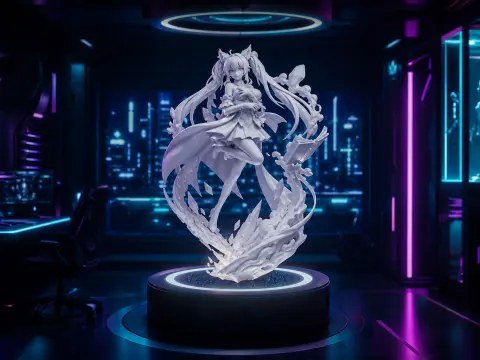
Choose the atmosphere of the workshop: Neon, Cyberpunk, Laboratory or Miami.
 Immersive scenes
 1:1 scale model
Voice dictation
No keyboard in a headset: you describe aloud the desired editing or creation, the Studio transcribes your request, then the AI takes care of it.
Business uses
- Customer presentation: show a part or prototype to scale before making it.
- Formation: manipulate an object in volume rather than on a screen.
- Conception: check a footprint or ergonomics in real size.
Compatible headsets and access
The VR Studio works in the browser of WebXR-enabled headsets Meta Quest, without any application to install: open impression.timelapse-3d.com/studio/?vr1 in the headset, log in with the same account, and your creations are there. Without a headset, a Quest simulator allows you to try the VR workshop with the keyboard and mouse.
Frequently asked questions
Do I need to install an application?
No: the VR Studio opens in the headset browser (WebXR).
Are my creations available in the helmet?
Yes, by logging in with the same account as on a computer.
Can you try without a helmet?
Yes, with the built-in Quest simulator, keyboard and mouse.