Two ways to describe an object in 3D
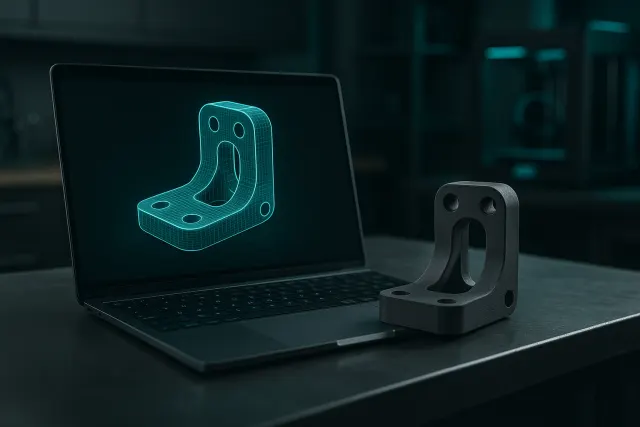
A 3D object can be described in two fundamentally different ways.
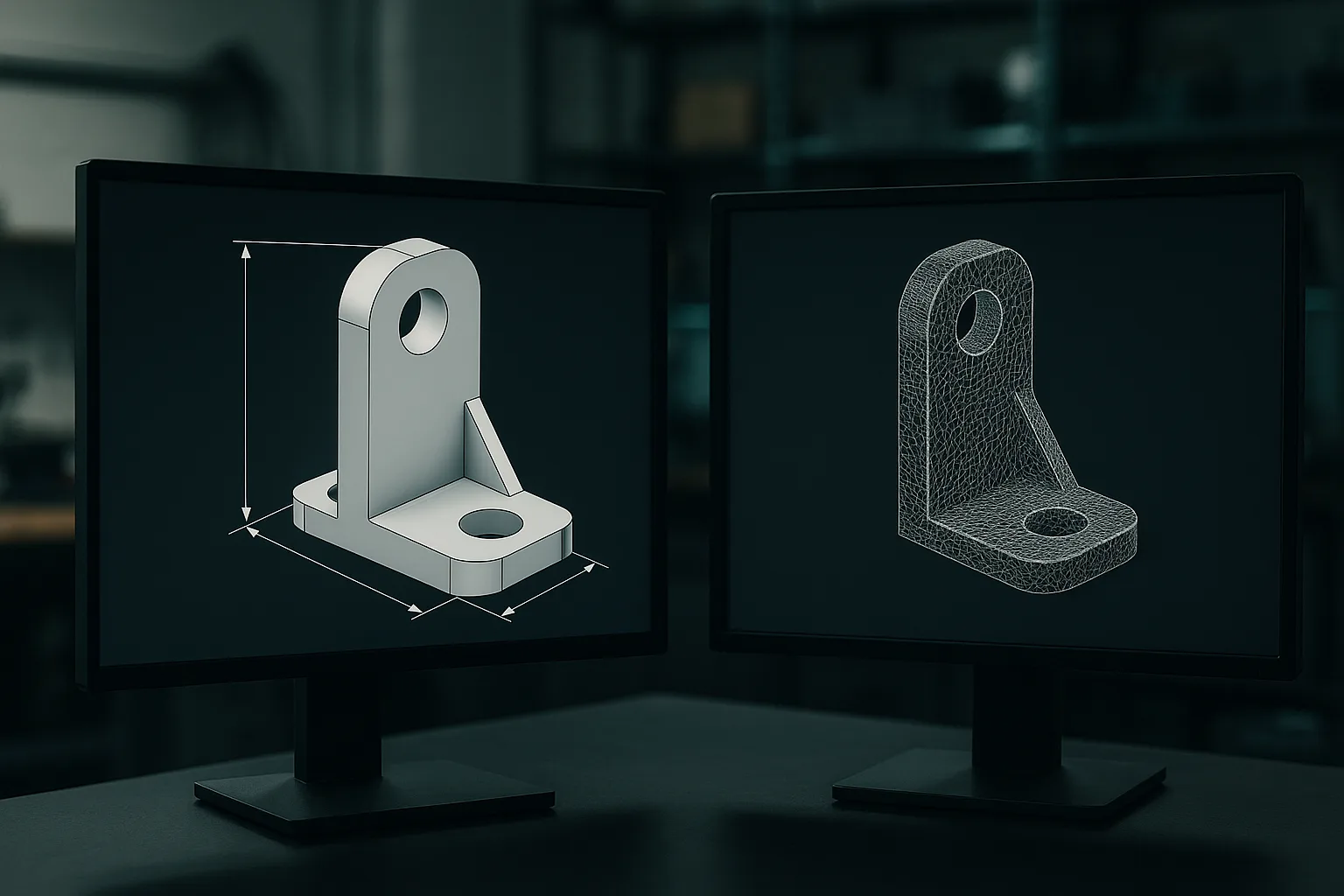
The parametric model describes the part by its construction: a dimensioned sketch, extruded 20 mm, drilled with two 5 mm holes at a 30 mm spacing, with a 2 mm fillet on the edges. Each operation is stored along with its values, called parameters. Changing a value recalculates the whole part.
The mesh describes the part by its surface: thousands or millions of small triangles placed side by side to form a closed shell. A mesh doesn't know that a hole is a hole, or that it measures 5 mm; it only knows the position of each vertex.
A simple analogy: the parametric model is a recipe ("200 g of flour, 3 eggs"), the mesh is a very precise photo of the cake. With the recipe, you can easily make a bigger cake. With the photo, all you can do is retouch it.
Point-by-point comparison
| Criterion | Parametric model | Mesh |
|---|---|---|
| Description | Operations and dimensions (sketches, extrusions, holes) | Triangle surface |
| Changing a dimension | Immediate and exact | Difficult, often approximate |
| Geometric precision | Exact (true circles, perfect planes) | Approximated with facets |
| Organic shapes | Laborious to build | Natural |
| Common formats | Native CAD files, STEP | STL, OBJ, 3MF |
| Typical origin | CAD software, parametric AI | Digital sculpting, 3D scanning, figurine AI |
| Ideal use | Technical parts, assemblies, variant series | Figurines, decorative objects, digitising existing items |
Why everything ends up as a mesh for printing
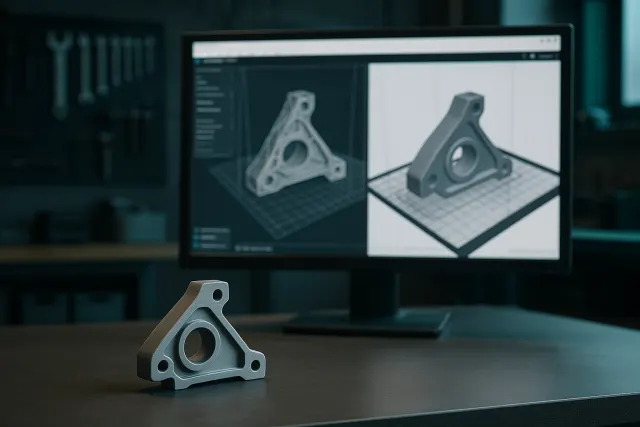
A commonly misunderstood point: the printer never reads a parametric model. The slicing software needs a closed surface to cut into layers. A parametric model is therefore always converted into a mesh at the moment of STL or 3MF export.
The question isn't therefore "parametric or mesh for printing?", but "in what form do I keep and modify my part?". The right habit is to keep the parametric source and export a mesh for every version.
During this conversion, the fineness of the mesh matters: a 10 mm cylinder exported with too few facets will give a polygonal hole, sometimes too narrow for a screw. Most tools let you adjust this resolution. Good export practices are detailed in preparing an STL or 3MF file.
If you only receive an STL for a technical part you'll need to evolve, also ask for the parametric source file or a STEP. Changing a hole or a thickness on an STL often takes longer than redrawing the part.
The strengths of each approach
What the parametric model allows
For a functional part, the parametric model has several decisive advantages:
- Adjustment after a test print: is the first print too tight? You increase the bore by 0.2 mm and re-export. The clearance rules are explained in tolerances and fits.
- Part families: the same bracket in three sizes, an enclosure adapted to several circuit boards, just by changing a few values.
- Consistency: if the hole spacing is linked to the width, it follows automatically.
- Exact geometry: planes are flat, circles are circles, which simplifies dimensional inspection.
This is why workshop jigs and tooling or parts intended for an industrial prototyping process are almost always designed parametrically: every iteration needs to be correctable quickly.
What the mesh allows
The mesh isn't a "second-rate" format. It's the only one that can efficiently describe certain shapes:
- Organic shapes: a face, an animal, drapery, an ergonomic handle that fits the hand.
- Digitising existing objects: a 3D scanner measures points on the surface of a real object and naturally produces a mesh. The workshop's industrial scanner captures these surfaces with an accuracy of around 0.1 mm; see our 3D scan service.
- Textures and colours: a coloured mesh, exported as 3MF, carries colours zone by zone for multicolour printing.
For a scanned spare part that then needs to be modified (adding reinforcement, correcting a broken area), reverse engineering is often used: the mesh serves as a reference to reconstruct a clean parametric model. This is the approach described in our article on 3D-printed spare parts.
File formats, without confusion
A good portion of the misunderstandings between clients, design offices and workshops comes from file formats. Here's what each one actually contains:
- Native CAD file: the complete construction history, with its parameters. It generally only opens in the software that created it.
- STEP: an exchange format that carries exact geometry (mathematical surfaces, true circles), readable by most CAD software. It loses the history and parameters, but remains editable through direct operations. This is the format to request for a technical part that will need to evolve.
- STL: a mesh alone, with no declared unit, no colour or material. Universal, but limited.
- OBJ: a mesh that can carry textures, widely used in computer graphics and for figurines.
- 3MF: an enriched mesh, with units, colours, several objects and print settings in a single file. It's the most complete format for printing.
A classic pitfall concerns units: an STL created in inches and opened as if it were in millimetres will appear 25.4 times too small. 3MF, which declares its units, avoids this problem.
Setting the mesh resolution
When exporting, two settings determine the fineness: the chord tolerance (the maximum gap between the facet and the real curve) and the maximum angle between two neighbouring facets. Too coarse, and the mesh produces polygonal circles and visibly faceted curves on the part. Too fine, and it needlessly bloats the file with no real gain, since the printer can't reproduce details smaller than its own resolution. For a part of ordinary size, a tolerance of around one hundredth of a millimetre is generally a good compromise.
And where does AI fit in?
AI-based 3D generation tools also fall into these two families. "Shape" generators produce meshes: they suit figurines, much less so parts that need to be assembled. Parametric generators produce a dimensioned model, adjustable afterwards.
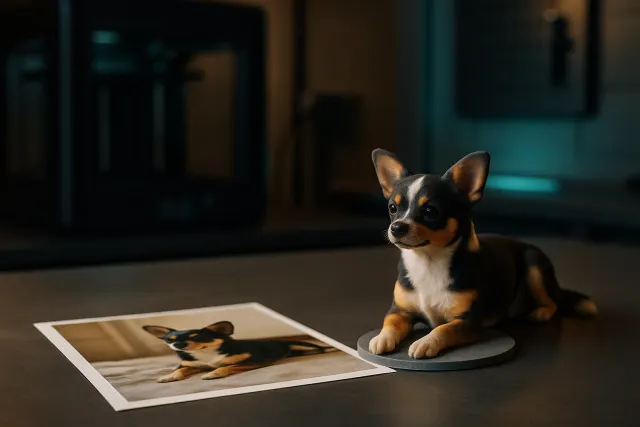
Timelapse-3D's AI 3D Studio generates parametric models for technical parts: the key dimensions are exposed as sliders, freely adjustable, before export to STL or 3MF. Its figurine mode, by contrast, sculpts a coloured mesh, since that's the representation suited to characters and animals. To go further: AI 3D modelling and from photo to 3D figurine.
How to choose
| Your need | Recommended representation |
|---|---|
| Functional part, dimensions to respect | Parametric |
| Part likely to evolve or offered in several sizes | Parametric |
| Figurine, decorative object, sculpture | Mesh |
| Copy of an existing object with a complex shape | Mesh from a scan |
| Scanned part to modify or make reliable | Mesh then parametric reconstruction |
| Sending to the printer or the workshop | Exported mesh (STL or 3MF) |
Always archive two files per part: the editable source and the export that was actually printed, named with its version and material. In the event of a reprint or a defective part, you know exactly what was produced.
Frequently asked questions
What is a parametric model in 3D?
It's a model defined by a sequence of operations and dimensions, called parameters: sketch, extrusion, hole, fillet. Changing a value automatically recalculates the whole part. It's the standard representation used by CAD software for technical parts.
Can an STL file be easily modified?
It can be scaled, cut or repaired, but precisely changing a dimension like a hole diameter is difficult. STL only contains triangles, with no notion of a hole or a thickness. For a technical part that needs to evolve, it's better to keep the parametric source.
Why do 3D printers use meshes?
The slicing software cuts a closed surface into horizontal layers, which a mesh describes directly. A parametric model is therefore always converted into an STL or 3MF mesh at the time of export. The fineness of this conversion influences the quality of the printed curves.
Can a mesh be turned into a parametric model?
Not automatically in a reliable way for a technical part. Reverse engineering is used: the mesh, often from a 3D scan, serves as a reference to redraw the surfaces and dimensions in CAD software. The result is a clean, editable model.