What AI changes in 3D modelling
For a long time, getting a printable file meant two options: learning CAD (computer-aided design) software, or paying a modeller. For a bracket, an enclosure or a cable clip, the effort was often disproportionate to the part itself. AI-assisted 3D modelling shifts that effort: you describe the function and dimensions of the part, and the tool proposes a geometry that you then adjust.
It's not magic. The AI translates an intention into a set of shapes (prisms, cylinders, holes, fillets, ribs) and dimensions. The more precise your request, the more usable the first result. That's why the quality of the input text matters as much as the tool: we've devoted a dedicated article to it, the guide to writing an effective 3D part brief.
Two families of approaches coexist:
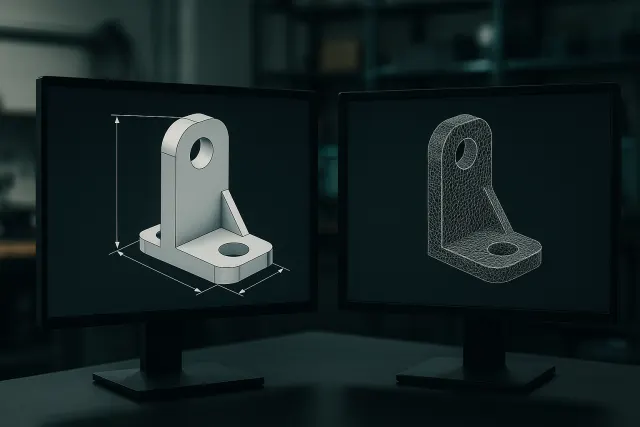
- Parametric generation: the AI produces a model defined by dimensions (length, thickness, hole diameter…). Each dimension stays adjustable afterwards without starting over.
- Mesh generation: the AI directly produces a surface made of triangles, like a digital sculpture. This suits organic shapes much better than technical parts.
The difference is fundamental for 3D printing, and we detail it in the article parametric model or mesh.
From text to part: the concrete steps
Whatever the tool, a serious AI 3D modelling workflow follows the same steps:
- Describe the part: its function, its main dimensions, its fixing points, its environment (heat, outdoor use, mechanical load).
- Generate a first version and look at it from every angle. The first draft serves to validate the overall logic, not the details.
- Adjust the dimensions: wall thickness, hole spacing, height. On a parametric model, this is done without regenerating the part.
- Request targeted tweaks: "add a chamfer on the bottom edge", "widen the slot to 6 mm".
- Check printability: overhangs, minimum thicknesses, print orientation.
- Export to STL or 3MF, then slice the file or hand it to a workshop.
Step 5 is the one most often forgotten. A model can be geometrically correct and yet hard to print: a 0.6 mm wall will be fragile in filament deposition, and a large-diameter horizontal hole will sag without support. The clearance rules between assembled parts are detailed in our article on tolerances and fits in 3D printing.
How the AI 3D Studio works
Timelapse-3D's AI 3D Studio applies this workflow directly in the browser:
- Input: you describe the part in text, or upload one or more photos (front, side, top) of an existing object.
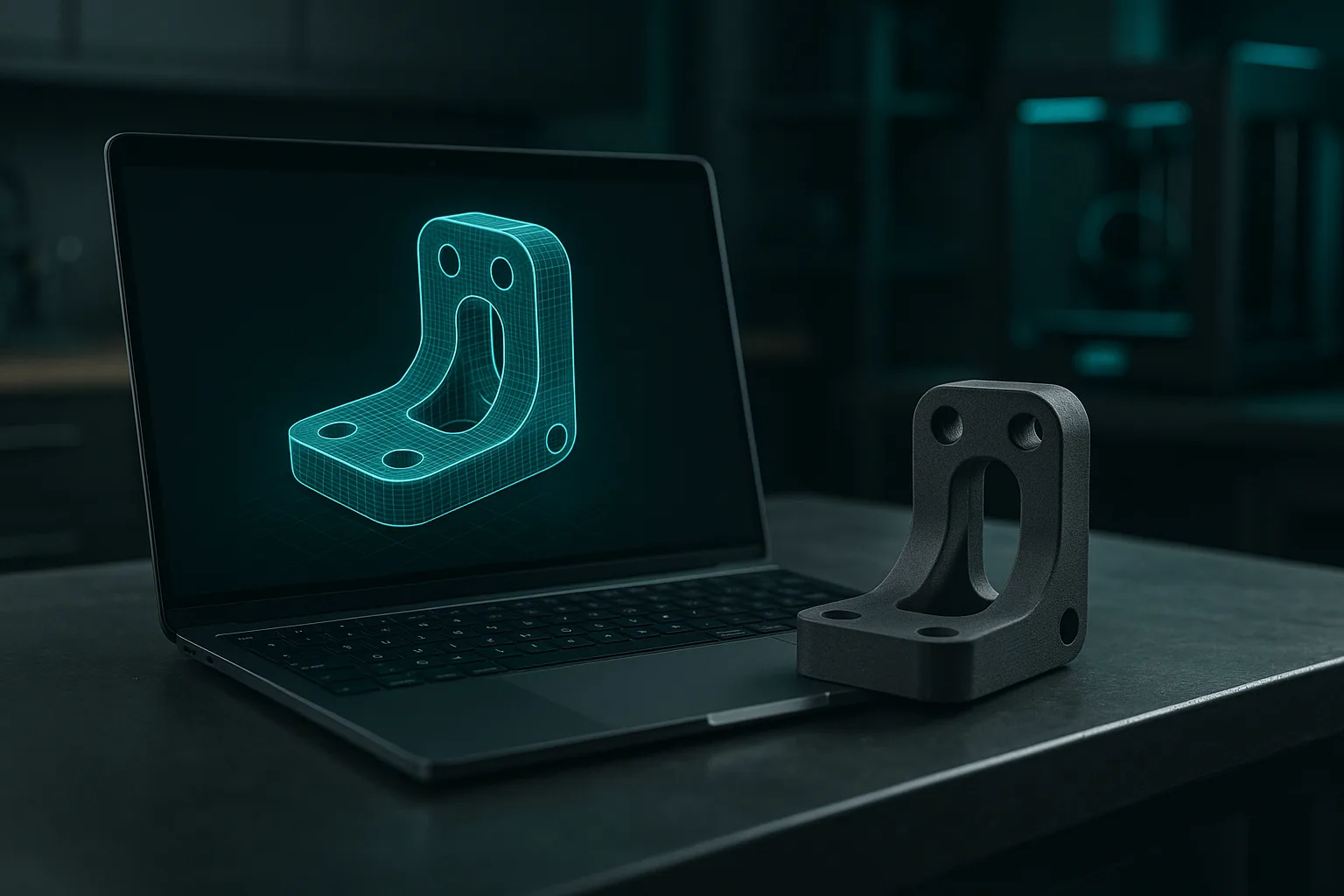
- Parametric model: the AI generates a model whose key dimensions are exposed as sliders. Adjusting them is free.
- Natural-language tweaks: you request a change in writing, and the AI updates the model.
- Free preview in 3D in the browser, before any export.
- Export to STL and 3MF, including a colour 3MF for multi-filament printers. Multi-part models can be exported with one STL per part.
- Ordering a print: price shown instantly, choice of material and finish, production at the workshop.
It runs on a credit system, with 50 free credits given at sign-up. A library of free parametric models also lets you start from an existing base (mount, enclosure, spacer) rather than a blank page.
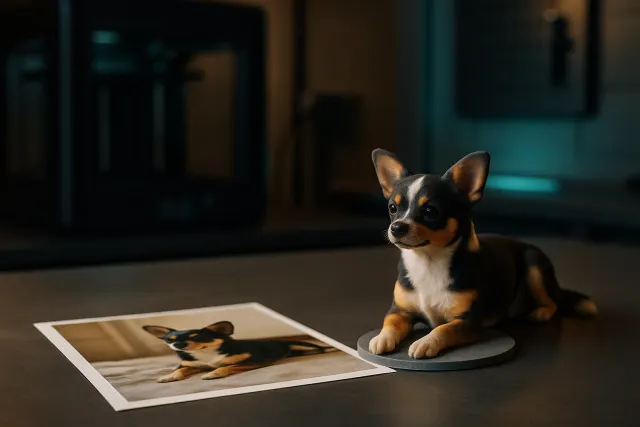
A "figurine" mode also exists for characters and animals, but it follows a different logic (sculpture rather than technical design): see from photo to 3D figurine.
Which parts lend themselves well to AI generation?
AI 3D modelling excels at geometric, functional parts, whose shape can be well described with words and numbers. It is less suited to cases where the part must exactly match an existing object with a complex shape.
| Type of part | Relevance of AI | Note |
|---|---|---|
| Mounts, brackets, spacers | Very good | Simple shapes, easy to express dimensions |
| Electronic enclosures | Very good | Specify internal dimensions, openings and fixings |
| Clips, hooks, cable glands | Good | Pay attention to the elasticity of the chosen material |
| Drilling or positioning jigs | Good | Provide the dimensions measured on the real part |
| Spare part with a complex profile | Average | A 3D scan is often more reliable |
| Figurines, characters | Interpretation | Sculpted, stylised result, not an exact copy |
| Parts subject to certification | Low | Requires design and validation by an engineer |
For spare parts with intricate geometry (an appliance part with integrated clips, a curved housing), photos and text reach their limits: a 3D scan captures the real shape with far greater precision than an AI can infer from an image.
For a part that must fit onto an existing object, first print a quick version with low infill, just to check the fit. Then correct the dimensions with the sliders, and launch the final version in the right material. Two quick prints cost less than a failed final part.
The limits to know about
Presenting AI 3D modelling as a universal solution would be dishonest. Here are the points to stay alert to:
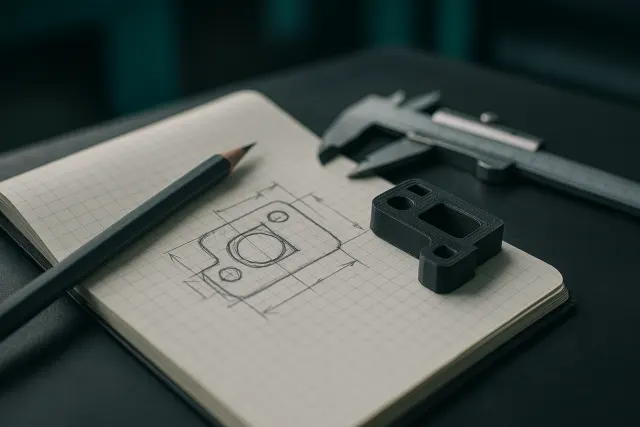
- Dimensions can't be made up. If you don't give the spacing of your screws, the AI will propose a plausible value, not yours. Measure with calipers.
- A photo doesn't give you scale. Without a reference dimension, the AI estimates proportions, not millimetres.
- Internal details are invisible. A photo shows neither wall thickness nor hidden ribs.
- Strength is not calculated. The AI doesn't replace a structural calculation: for a load-bearing part, allow margins and test.
- Material matters as much as shape. A PLA clip will break where the same clip in PETG or nylon would just flex. See our guide to 3D printing materials.
Checking the model before printing it
Before exporting, systematically go through these points:
- The outer dimensions match the available space.
- Walls are at least 1.2 mm thick in filament deposition (two to three passes of a standard nozzle).
- Holes intended for screws are slightly oversized (around 0.2 to 0.3 mm in filament deposition), or designed to be re-drilled.
- The part has a flat face to rest on the build plate, or an obvious orientation.
- Overhangs rarely exceed 45° without support.
- The model is closed (watertight), with no inverted faces: this is the case by construction for a parametric model, less necessarily so for a mesh.
The choice between STL and 3MF, orientation and file preparation are explained in detail in preparing an STL or 3MF file. If your part combines several colours, a colour 3MF is essential; see also multicolour 3D printing.
Print at home or hand it to a workshop
An AI-generated model prints just like any other file. If you have a printer, exporting to STL or 3MF is enough. Using a workshop makes sense as soon as the part needs a technical material (reinforced nylon, heat-resistant materials), a careful finish, resin for fine detail, a large format, or several identical copies.
Timelapse-3D's workshop, in the Var region of France, has more than twenty machines (multi-material filament deposition, SLA resin, large formats) and produces continuously, with delivery across France. To estimate a budget, our article on the price of a 3D print details what makes a part's cost vary.
State the part's real use in your description: "stays in direct sunlight in a car" or "clamped by two M4 screws" guide the choice of material just as much as the geometry. This context avoids most of the parts that work fine on the desk but fail in actual use.
Frequently asked questions
Can you create a 3D printable part without knowing how to use CAD software?
Yes, for simple to moderately complex geometric parts. An AI 3D modelling tool turns a description into a model, which you then adjust with sliders or written requests. You still need to provide measured dimensions and check printability before exporting.
Is an AI-generated 3D model accurate enough for a functional part?
Precision mainly depends on the dimensions you provide. A parametric model follows the entered dimensions exactly; it's then the printer and the material that determine the actual precision. For a tight fit, print a test first and correct the dimensions.
What file formats do you get after AI 3D modelling?
The most useful formats are STL, which is universal, and 3MF, which retains more information such as colours and the organisation into several parts. A colour 3MF is needed for multi-filament printing. Some tools also export one STL per part for assemblies.
Can AI reproduce a broken part from a photo?
It can propose a close part if the shape is simple and you provide reference dimensions. For a complex part, or one that must fit precisely, a photo isn't enough to deduce the dimensions. A 3D scan or measurement with calipers then remains the reliable method.