How the AI goes from a photo to a volume
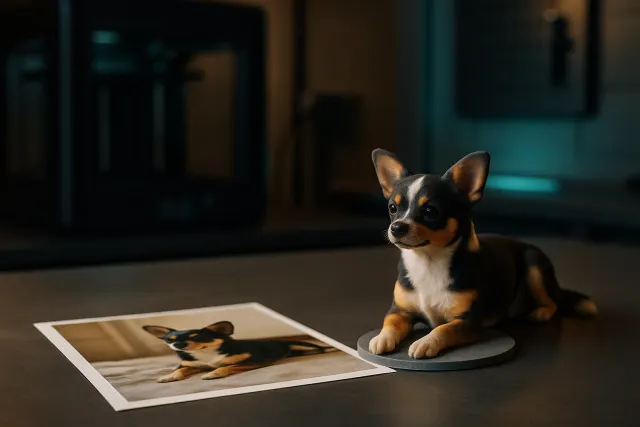
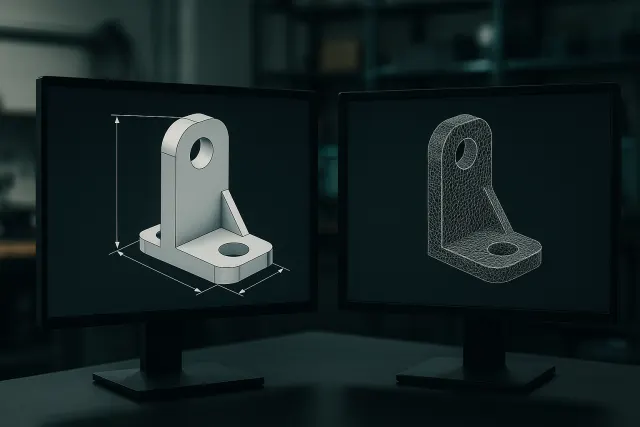
A photo only holds a projection of the object: the AI has to infer the back, the thickness and the hidden areas. With a single image it proposes a plausible interpretation; with several views of the same object it cross-checks the information and the shape gains in accuracy. The result is a 3D mesh, the format used by printing software.
The Studio offers several ways to use a photo, to pick according to your goal:
- Solid object: the photographed object becomes a printable part in a single piece.
- Assembly mode: the object is generated as several parts that slot together (for example a car: body, wheels and windows as separate parts), with the joints already modelled.
- Relief: an image, a logo or a drawing becomes a relief plaque, to reproduce a pattern faithfully rather than an object.
- Figurine: a character or an animal sculpted in a stylised way (see custom figurine, in French).
Which photos to provide?
The quality of the model depends first on the images. A few simple rules clearly improve the result:
- One to six views of the same object: front, side, top, three-quarter.
- A plain, contrasting background, with no other object in the frame.
- Soft lighting, without strong reflections or hard cast shadows.
- The whole object in the picture, not cut off by the frame.
- Sharp photos; the Studio accepts files up to 40 MB and downsizes them automatically.
For a technical part whose dimensions matter (bracket, enclosure, clip), also give the key dimensions in the description: the AI cannot guess a measurement from a photo without a reference.
Adjust, retouch, colourise
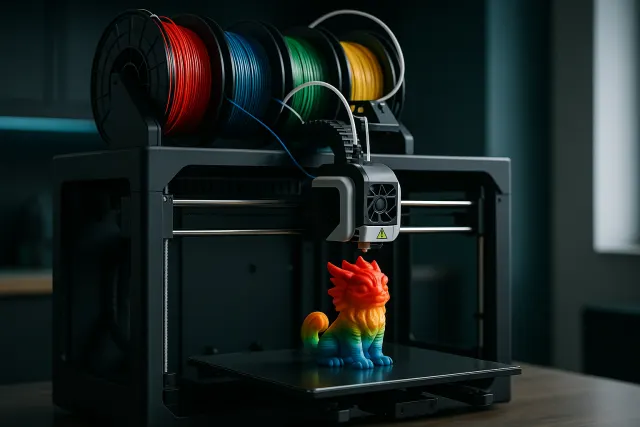
Once the model is generated, you rotate it in the 3D viewer and can ask the AI for a retouch (refine a shape, add a base, fix a proportion). For multicolour printing, the AI can split the model into colour zones from your instructions or from the example image, without changing its shape: the downloaded 3MF holds one colour per filament.
Each generation uses credits according to its actual complexity, shown afterwards in your history; credits are never charged if the call fails. On sign-up, 50 credits are offered once you confirm your e-mail.
Export or have it printed
The model downloads as STL (shape only) or 3MF (shape and colours), to print yourself in your usual slicer. You can also choose “Have it printed”: material, quantity, finish and lead time are set on a dedicated page, with a price incl. VAT calculated before payment, then the part is made in our workshop and shipped within France. The steps are detailed on the online 3D printing page.
What a photo cannot do
Photo-to-3D conversion works very well for decorative objects, figurines, scale models and organic shapes. It has limits worth knowing:
| Need | Photo to 3D | Better option |
|---|---|---|
| Decorative object, figurine | Suitable | Studio, photo or figurine tab |
| Logo or drawing in relief | Suitable (relief mode) | Studio, relief tab |
| Dimensioned technical part | Approximate | Description with dimensions (in French) or parametric model |
| Broken part to reproduce exactly | Insufficient | 3D scan (accuracy ≤ 0.1 mm) |
To understand the difference between a mesh from a photo and a parametric model whose dimensions you edit, read the guide parametric model or mesh.
Frequently asked questions
How many photos are needed to create a 3D model?
A single photo is enough for a plausible interpretation, but two to six views of the same object (front, side, top) give a more faithful shape.
Which formats do you get?
The model downloads as STL or 3MF. The 3MF keeps the colours for multicolour printing.
Is the model the right size?
A photo gives no scale: state the dimensions you want. For an accurate technical part, start from a dimensioned description or a 3D scan instead.
Can I get an object in several parts?
Yes, with assembly mode: the object is generated as parts that slot together, with the joints already modelled.
How much does it cost?
Each generation uses credits according to its actual complexity. 50 credits are offered once your e-mail is confirmed; printing in the workshop is paid separately, at the price shown before payment.